1
npm start, then open
http://localhost:3000
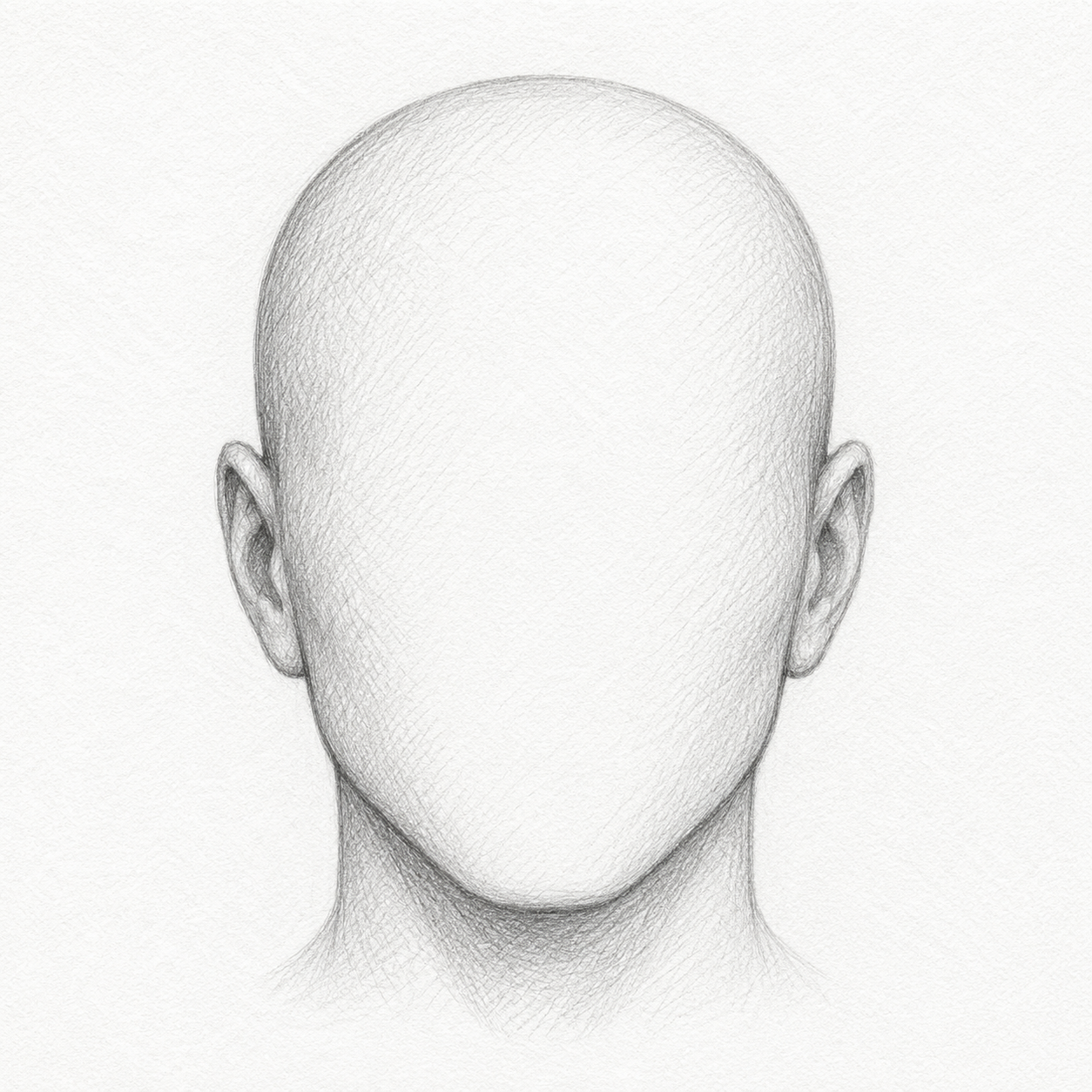
Layer facial features to build a suspect composite
Click a part on the sketch to select it, then move it with the mouse or by using the keyboard controls below.